In the blog post How to Remove Water from Your Phone Speaker Safely, readers learn the significance of maintaining a clean phone speaker. The article offers a step-by-step guide to effectively remove water from the phone speaker, ensuring optimal sound quality and device functionality. It also provides a detailed analysis of common phone sound repair techniques, helping users understand various methods to fix sound issues. Additionally, the article concludes with actionable takeaways for maintaining your phone’s sound quality over time. Following these tips will aid users in safely addressing water damage and enhance their overall phone experience, emphasizing the importance of prompt action when needing to remove water from phone speaker.
Understanding The Importance Of A Phone Speaker Cleaner
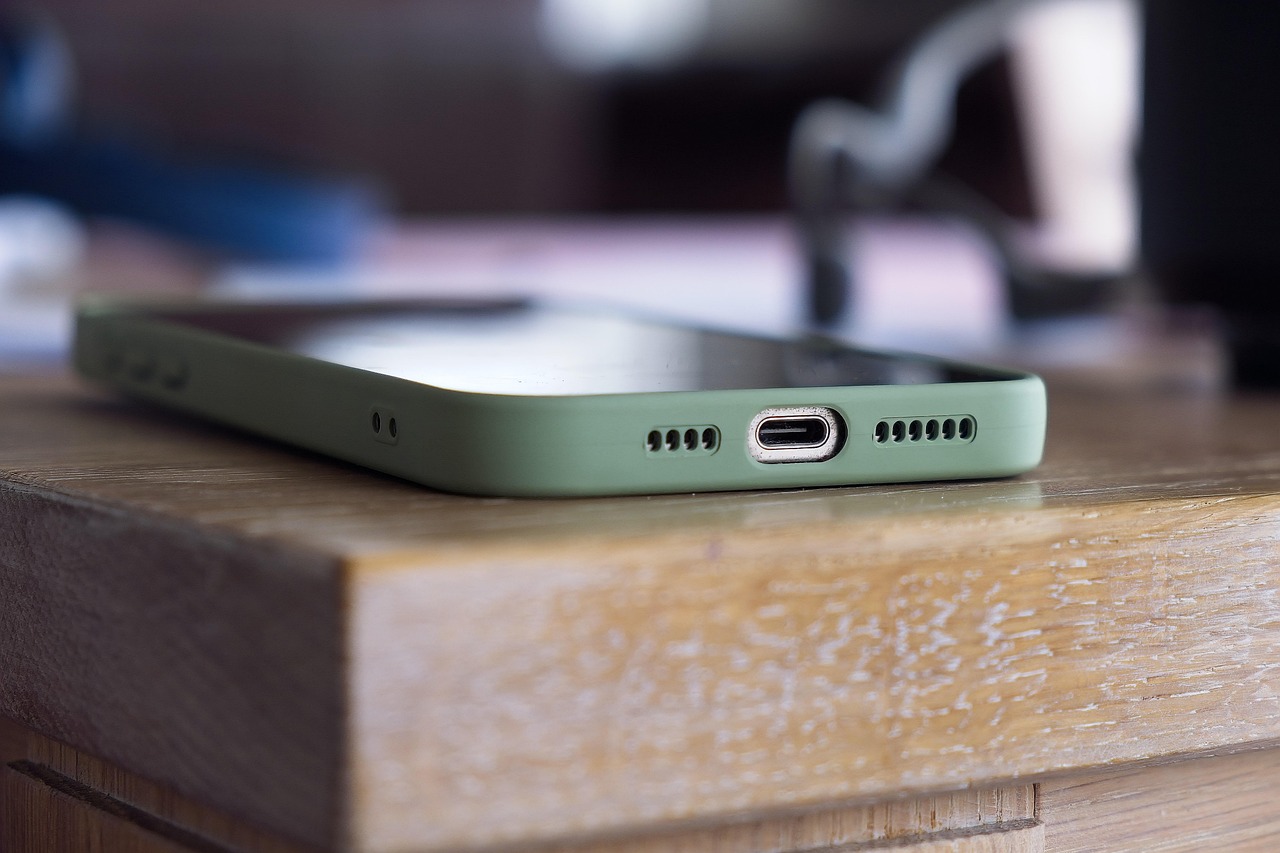
Maintaining your phone’s audio quality is essential for a fulfilling user experience, especially when it comes to your phone speaker. Water damage is one of the most common issues that can hinder the performance of your phone speaker. To effectively remove water from your phone speaker, utilizing a phone speaker cleaner is highly beneficial. These specialized tools help reach the nooks and crannies where water tends to accumulate, ensuring a quick and safe process to restore sound quality.
Key Reasons To Use A Phone Speaker Cleaner
- Enhances sound clarity and quality
- Prevents corrosion and internal damage
- Safely absorbs moisture without risk of further damage
- Improves longevity of the phone speaker
- Simplifies the cleaning process
- Reduces buzzing and muffled sounds
When you recognize the importance of a phone speaker cleaner, it becomes easier to address issues such as water exposure. Many people often search for ways to fix my speaker, and using these cleaners can effectively prevent larger problems from developing. By regularly utilizing a phone speaker cleaner, users can maintain optimal sound performance and extend the lifespan of their device.
Step-By-Step Guide To Remove Water From Phone Speaker

When your phone speaker falls victim to unexpected water exposure, it can lead to muffled sounds or complete silence. To avoid further damage, it’s essential to effectively remove water from the phone speaker as soon as possible. This section provides a comprehensive guide to help you through the process.
Identifying the problem is crucial before taking any action. If you notice a drop in sound quality or a distorted audio output, your speaker may be wet. Before proceeding with any methods, always ensure your device is powered off to prevent any electrical mishaps. Below are steps to guide you in removing water from your phone speaker.
Steps To Follow
- Power off your device immediately.
- Gently shake the phone to allow excess water to escape.
- Use a microfiber cloth to wipe the exterior of the phone.
- Install an app that plays the water eject sound to assist in dislodging remaining water.
- Leave your phone to air dry in a cool, dry place for at least 24 hours.
- If available, utilize a vacuum cleaner to suck out moisture from the speaker area.
- If issues persist, consider seeking professional repair services.
Executing these steps will significantly enhance your chances of successfully removing water from the phone speaker without causing additional damage. It’s important to remain patient during the drying process to ensure that all moisture evaporates completely.
Using The Water Eject Sound
One efficient way to remove water from your phone speaker is by utilizing the water eject sound feature available on many smartphones. This sound is specifically designed to create vibrations, which can help push the water out of the speaker grille. Activate the water eject sound through your device’s settings or by downloading a specialized app that offers this functionality.
Applying Alternative Methods
In addition to using sounds, there are alternative methods for addressing water in your phone speaker. Techniques such as placing your device in a bowl of uncooked rice for a couple of days can assist in pulling moisture away from the internal components. However, exercise caution, as rice particles can sometimes get lodged in the speaker if not done carefully. Always explore different options to ensure the best outcome when you need to remove water from your phone speaker.
Detailed Analysis Of Common Phone Sound Repair Techniques
When it comes to sound issues with your phone, particularly when faced with the challenge of water damage in the speaker, knowing how to effectively remove water from your phone speaker is crucial. Several methods are often employed either by individuals seeking to fix my speaker themselves or those opting for professional assistance. However, understanding the nuances between these approaches can make a significant difference in the effectiveness of the repair process. This section delves into various techniques, comparing their viability and outcomes.
| Method | Effectiveness | Cost |
|---|---|---|
| Silica Gel Packets | Moderate | Low |
| Vacuuming | High | Medium |
| Rice Method | Low | Very Low |
| Professional Drying | Very High | High |
There are several popular repair techniques that individuals use to attempt to resolve water in their phone speakers. While some methods utilize household items effectively, others may yield inconsistent results. Here are some commonly tried techniques:
Popular Repair Techniques
- Using silica gel packets to absorb moisture
- Employing a vacuum cleaner for suction
- Submerging in rice for a few days
- Utilizing a hairdryer on the lowest setting
- Freezing the device briefly
- Running the speaker on low volume to dry out
- Seeking professional dryer services
While DIY methods can sometimes offer a quick fix, they do come with risks, such as potential damage to sensitive components. At this point, it’s crucial to evaluate when to seek phone sound repair services from professionals who have the tools and expertise to handle such situations effectively. This understanding can often save you from causing more damage and can lead to a more efficient and reliable resolution to your sound issues.
Professional Repair Services
Turning to a professional repair service for phone sound issues is often the best option, especially when the situation is severe or if previous DIY attempts have failed. Professionals employ advanced techniques like ultrasonic cleaning or specialized drying equipment that can thoroughly remove moisture without damaging the internal components. This leads to a higher success rate in restoring sound quality and function, despite the higher cost associated with such services.
Actionable Takeaways For Maintaining Your Phone’s Sound Quality
To ensure the longevity and performance of your phone’s speaker, it’s essential to adopt a proactive maintenance routine. Regular upkeep not only helps to preserve sound quality but also mitigates potential damage from moisture and debris. By integrating simple practices into your daily life, you can avoid the hassle of addressing more serious sound issues later on. Establishing a cleaning schedule can make all the difference and can enhance your overall phone experience.
Tips For Ongoing Maintenance
- Keep your phone in a dry environment to prevent moisture buildup.
- Use a soft, dry cloth to wipe down the speaker area regularly.
- Avoid exposing your phone to harsh weather conditions whenever possible.
- Utilize a screen protector that also covers speaker openings to minimize dust entry.
- Limit the volume levels to prevent sound distortion.
- Regularly inspect and clean audio ports to ensure optimal connectivity.
- Consider investing in a dedicated phone case with water resistance features.
Implementing these maintenance tips can significantly enhance your phone’s sound experience. Additionally, if you notice any issues such as muffled audio or crackling sounds after water exposure, addressing these problems promptly can prevent further damage. Remember, prevention is better than cure; taking proactive steps can save you from costly repairs in the future and ensure that your phone continues to deliver superior sound quality for years to come.
Frequently Asked Questions
What is the best method to remove water from a phone speaker?
The best method involves turning off the phone, using a soft brush or a can of compressed air to dislodge water, and allowing the speaker to air dry. Avoid using heat sources, as they can damage the internal components.
How can I tell if water has damaged my phone speaker?
Signs of water damage include distorted sound, low volume, or no sound at all. It’s advisable to check for moisture at the speaker grille or any condensation on the screen.
Is rice effective for drying out water from a phone speaker?
While placing a phone in rice can help absorb moisture, it’s not the most effective method for removing water from the speaker specifically. Other techniques are recommended for better results.
Can I use a vacuum cleaner to remove water from my phone speaker?
Using a vacuum cleaner is not recommended as it may create a strong suction that can damage delicate internal components. Instead, opt for gentler methods.
Are there specific products designed to remove moisture from phone speakers?
Yes, there are phone cleaning kits that include moisture-absorbing materials and tools designed specifically for phone maintenance, which can be safe for use on speakers.
What precautions should I take before attempting to remove water from my phone speaker?
Always turn off your phone before attempting to dry the speaker. Avoid charging the device, and ensure all ports are dry to prevent further damage.
How can I maintain my phone’s sound quality after removing water from the speaker?
Regular maintenance includes keeping the speaker area clean, avoiding exposing your phone to water, and using protective cases that are water-resistant.
What should I do if my phone still has sound issues after removing water?
If issues persist, consider consulting a professional repair service to assess potential damage or to perform more advanced repairs on the audio components.
Is it safe to use a blow dryer to dry the phone speaker?
Using a hairdryer is not safe as the heat can damage the internal components of the phone. It’s better to let the device air dry naturally.
What are some common signs that my phone speaker needs repair beyond water damage?
Common signs include crackling sounds, static noises, or intermittent sound, which could indicate hardware issues that require professional servicing.