
Regular smartphone maintenance is crucial for prolonging your device’s lifespan and enhancing its performance. This blog post outlines the significant benefits of maintaining your smartphone, emphasizing the importance of adopting essential cleaning habits to keep your device in top condition. It compares various maintenance approaches, helping readers identify the most effective strategies for optimizing performance. Additionally, the post provides actionable recommendations for smartphone maintenance, ensuring that users can easily implement these tips into their routine. By following these guidelines, you can significantly extend your smartphone’s life and enjoy a seamless user experience.
The Importance Of Smartphone Maintenance For Long Phone Life

Regular smartphone maintenance is essential for ensuring that your device remains functional and efficient for an extended period. Neglecting the upkeep of your phone not only leads to poor performance but can also hinder its lifespan. By proactively addressing potential issues and adopting simple maintenance habits, you can significantly contribute to a long phone life and enjoy an enhanced user experience. This investment of time and effort ultimately pays off, as it reduces the need for premature replacements and costly repairs.
Key Reasons To Focus On Smartphone Maintenance
- Improves device performance and speed
- Reduces the risk of hardware failure
- Enhances battery life and efficiency
- Minimizes the likelihood of software issues
- Protects against malware and security threats
- Maintains the device’s aesthetic and physical condition
- Increases resale value of the smartphone
Incorporating regular smartphone maintenance practices into your routine can help in identifying problems before they escalate. This proactive approach not only ensures that your device operates smoothly but also extends its usability, providing you with a reliable communication tool. Engaging in maintenance can be as simple as updating software, clearing cache, and keeping the device clean from dust and debris. By prioritizing these tasks, you are investing in the longevity and functionality of your smartphone, ultimately leading to a successful gadget experience.
Essential Phone Cleaning Habits To Extend Your Device’s Lifespan

To ensure the longevity of your smartphone, adopting effective phone cleaning habits is essential. Regular maintenance not only keeps your device looking new but also enhances its performance over time. A dirty smartphone can accumulate grime, dust, and bacteria, which may impact its functionality and your health. By following some simple, eco-friendly tech practices, you can maintain a cleaner device without harming the environment.
Steps For Effective Smartphone Cleaning
- Turn off your smartphone and unplug it from any power source.
- Remove the case and screen protector for thorough cleaning.
- Dampen a microfiber cloth with a mixture of water and isopropyl alcohol.
- Gently wipe the screen and body of your device, ensuring no moisture enters the openings.
- Use a soft brush or compressed air to clean out dust from ports and speakers.
- Clean the case using appropriate materials based on its type (silicone, leather, etc.).
- Reassemble your device, and regularly check for any signs of dirt buildup.
Incorporating the right materials in your cleaning routine is crucial for effective smartphone maintenance. Over time, improper cleaning can scratch your device or cause other types of damage. To avoid this, ensure you use microfiber cloths which are gentle on screens, and eco-friendly cleaning solutions that do not contain harsh chemicals. Remember, keeping your smartphone case clean is just as important—it is the first line of defense against dirt and impacts.
Frequency Of Cleaning
Establishing a consistent cleaning schedule is vital for prolonging the life of your smartphone. Aim to clean your device at least once a week, as this will help in maintaining optimal hygiene and performance. An often-overlooked aspect of smartphone maintenance is the frequency of cleaning; regular upkeep can prevent the gradual buildup of grime and malfunction. Additionally, if you frequently use your phone in outdoor settings or while eating, consider cleaning it after these occasions to minimize risks.
Common Mistakes To Avoid
Despite the best intentions, many users make common mistakes when it comes to smartphone cleaning. One major error is using household cleaners that may contain ammonia, which can damage screen coatings. Another mistake is using excessive moisture that may seep into ports. Always ensure that your cleaning materials are appropriate for electronic devices. Remember, taking proper precautions during cleaning ultimately contributes to effective smartphone maintenance.
Comparing Smartphone Maintenance Approaches For Optimal Performance
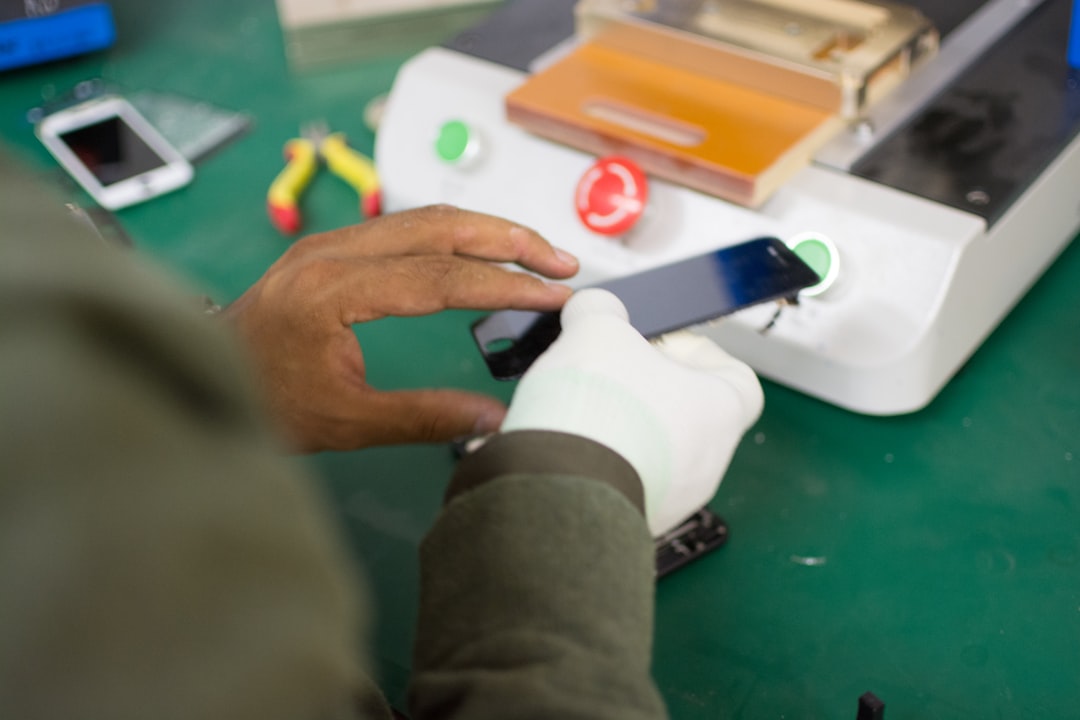
Smartphone maintenance is crucial for ensuring your device runs smoothly and lasts longer. Whether you prefer hands-on tasks or professional services, understanding the various approaches can help you choose the best strategy. Regular maintenance not only enhances performance but also contributes to an eco-friendly tech environment by reducing electronic waste. Here, we will delve into DIY maintenance tips and the advantages of seeking professional services, so you can make an informed decision for your smartphone care.
Implementing regular smartphone maintenance can significantly improve your device’s longevity. It’s important to regularly check for software updates, clean your device, and monitor storage capacity. The effectiveness of these practices can be seen not only in performance but also in the user experience. The following table summarizes various smartphone maintenance strategies, detailing their advantages and recommended frequency:
| Maintenance Strategy | Frequency | Benefits |
|---|---|---|
| Software Updates | Monthly | Improved security and performance |
| Physical Cleaning | Weekly | Enhanced device hygiene and functionality |
| Battery Calibration | Seasonal | Increased battery life preservation |
| Storage Optimization | Monthly | Maximized device speed and efficiency |
DIY maintenance tips can empower users to take charge of their devices without incurring additional costs. Basic tasks such as cleaning the screen and ports, deleting unused applications, and regularly backing up your data are fundamental to smartphone care. These activities require minimal expertise and can be performed in a short amount of time, yet they yield significant results in performance and user satisfaction.
DIY Maintenance Tips
Here are some practical DIY maintenance tips to keep your smartphone in top shape:
- Clean the Screen: Use a microfiber cloth to avoid scratches.
- Manage Storage: Regularly delete unwanted files and apps.
- Check for Software Updates: Ensure you are running the latest version for optimal performance.
- Battery Care: Don’t let your battery drain completely before charging.
- Protect with Cases: Use a case to prevent physical damage.
While DIY maintenance is beneficial, professional services can provide a depth of expertise that many users may lack. These services often include deep cleaning, software troubleshooting, and hardware repairs. Professionals have access to specialized tools and knowledge, which can help resolve complex issues that may not be easily addressed at home.
Professional Services
Engaging a professional service can be particularly advantageous when dealing with significant issues, such as water damage or severe malware. Many providers offer comprehensive maintenance packages that can ensure your device remains in excellent condition over its lifespan. This approach not only guarantees expert care but also promotes an eco-friendly tech ethos by prioritizing repair over replacement.
Actionable Recommendations For Better Long Phone Life
Maintaining your smartphone is crucial for achieving a long phone life. Regular smartphone maintenance not only enhances performance but also significantly extends the device’s lifespan. By incorporating essential phone cleaning habits and following best practices, you can protect your investment and ensure it operates smoothly for years to come. This maintenance routine should include updates, battery care, and physical cleaning to keep your smartphone in top shape.
Tips To Maximize Your Smartphone’s Longevity
- Keep the Software Updated: Regular updates can fix bugs, improve performance, and extend the life of your device.
- Optimize Battery Health: Avoid letting your battery discharge completely and charge it slowly when possible to maintain its efficiency.
- Implement Regular Phone Cleaning Habits: Clean your device daily to reduce dust and smudges, which can affect functionality.
- Use a Quality Case: A robust phone case can provide protection from drops and impacts, safeguarding your device.
- Avoid Extreme Conditions: Keep your smartphone away from direct sunlight, extreme cold, or humidity to prevent damage.
- Manage Storage Wisely: Regularly delete unused apps and files to prevent slow performance due to storage issues.
- Limit Resource-Intensive Apps: Only use apps that require heavy processing when necessary to avoid draining resources unnecessarily.
By implementing these tips, you can significantly contribute to your smartphone’s maintenance and appreciate a longer, more reliable device. Remember that consistent phone cleaning habits, alongside regular software and battery maintenance, will play a vital role in reaching optimal performance and ensuring longevity.
Frequently Asked Questions
What is smartphone maintenance?
Smartphone maintenance refers to the regular practices and habits that help keep your device functioning efficiently and prolong its lifespan, including cleaning, software updates, and optimal usage.
Why is regular smartphone maintenance important?
Regular smartphone maintenance is crucial as it prevents performance issues, enhances battery life, and reduces the risk of hardware damage, ultimately extending the life of your device.
What are some essential cleaning habits for my smartphone?
Essential cleaning habits include using a microfiber cloth for the screen, avoiding harsh chemicals, regularly cleaning the charging port, and keeping the phone case clean to prevent dirt buildup.
How often should I perform smartphone maintenance?
It’s recommended to perform basic smartphone maintenance tasks, like cleaning and software updates, at least once a month, with more frequent checks on battery health and storage management.
Can smartphone maintenance improve device performance?
Yes, regular maintenance can significantly enhance your smartphone’s performance by optimizing system resources, clearing unnecessary storage, and ensuring software is up-to-date.
What are some common mistakes people make with smartphone maintenance?
Common mistakes include neglecting software updates, using inappropriate cleaning materials, charging habits that lead to battery degradation, and failing to back up data regularly.
Should I use a screen protector or case for smartphone maintenance?
Yes, using a screen protector and a case can help protect your smartphone from physical damage and scratches, contributing to its overall lifespan.
What are the best practices for smartphone battery care?
Best practices for battery care include avoiding extreme temperatures, not letting the battery fully discharge frequently, charging to around 80% instead of 100%, and using the right charger.
How does software maintenance affect smartphone longevity?
Software maintenance is vital for longevity as keeping the operating system updated ensures security, smooth performance, and compatibility with new applications, which can prevent system crashes.
What should I do if my smartphone is running slow despite regular maintenance?
If your smartphone runs slow despite regular maintenance, consider troubleshooting by clearing app caches, removing unused applications, checking for malware, or performing a factory reset if necessary.