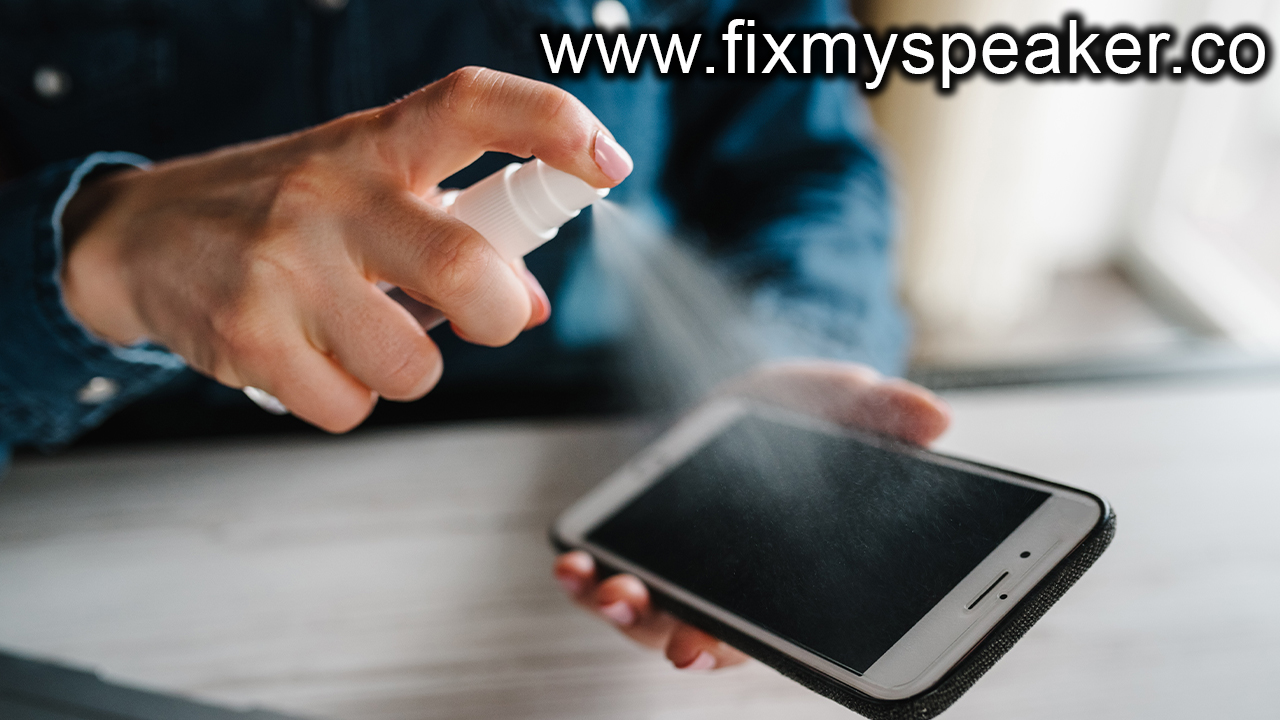
In the blog post Common Signs Your Phone Speaker Needs Cleaning, readers are guided through the key indicators of phone speaker problems, helping them recognize when their device may require attention. Understanding the common signs of phone speaker issues, such as muffled sound or distortion, is essential for users. The article delves into the various causes of diminished sound quality, often linked to dust and debris buildup. Practical cleaning tips are provided to resolve these phone speaker problems, ensuring users can restore optimal performance. Additionally, the post outlines actionable steps to prevent future speaker issues, promoting regular maintenance to prolong the life of the device’s audio components. With these insights, users can effectively manage and enhance their phone’s sound quality.
Understanding Common Signs Of Phone Speaker Problems
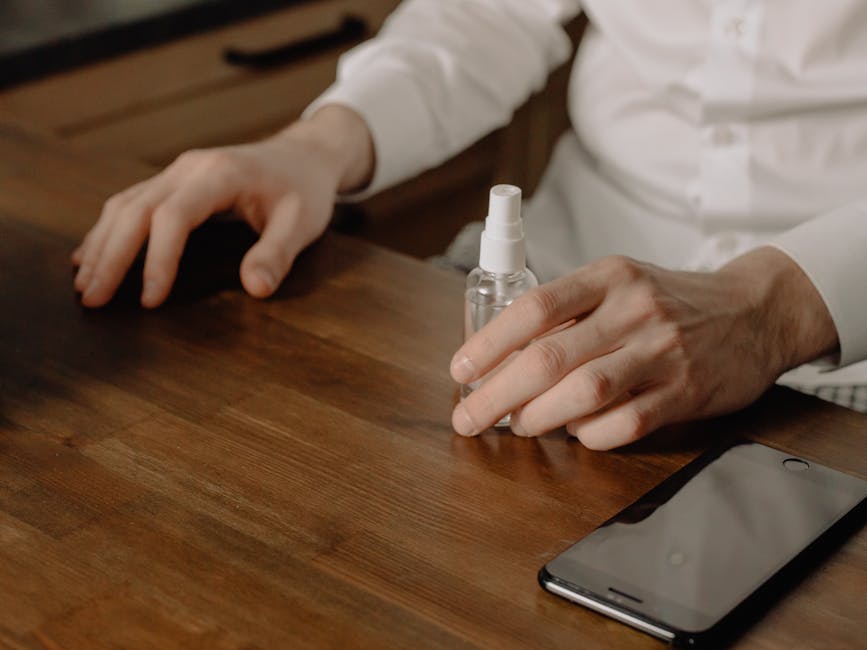
Experiencing phone speaker problems can be frustrating, particularly when clear audio is essential for communication. One of the most common signs indicating an issue with your device’s speaker is a muffled sound. This can often make listening to music or taking phone calls a challenge, as it hampers the clarity and quality of the sound. If you notice that voices are not as clear as they used to be, or if you have to crank up the volume to hear anything properly, it may be time to investigate further.
Key Indicators of Phone Speaker Issues
- Reduced volume even at maximum settings
- Persistent distorted audio during calls or playback
- Intermittent sound cutouts while listening
- Unusual vibrations or crackling noises
- Audio that feels tinny or lacks depth
- Sound only coming from one side of the speaker
- Visible dust or debris in speaker openings
Another common sign of phone speaker problems can be the presence of crackling or static noises. These sounds can often indicate a buildup of dirt and grime affecting the speaker’s ability to produce clear audio. It’s essential to pay attention to these subtle audio anomalies as they might worsen over time, leading to more significant issues. If you notice these signs, taking immediate action could save you from costly repairs or replacements.
Additionally, having a reliable audio output is crucial for a seamless user experience. If your phone is showing multiple signs of speaker issues, it is wise to consider cleaning techniques that can help restore sound quality. Addressing the problem early helps ensure that you can continue enjoying your calls, musiç and notifications without interruptions or complications associated with phone speaker problems.
Identifying The Causes Of Cleaner Phone Speaker Issues
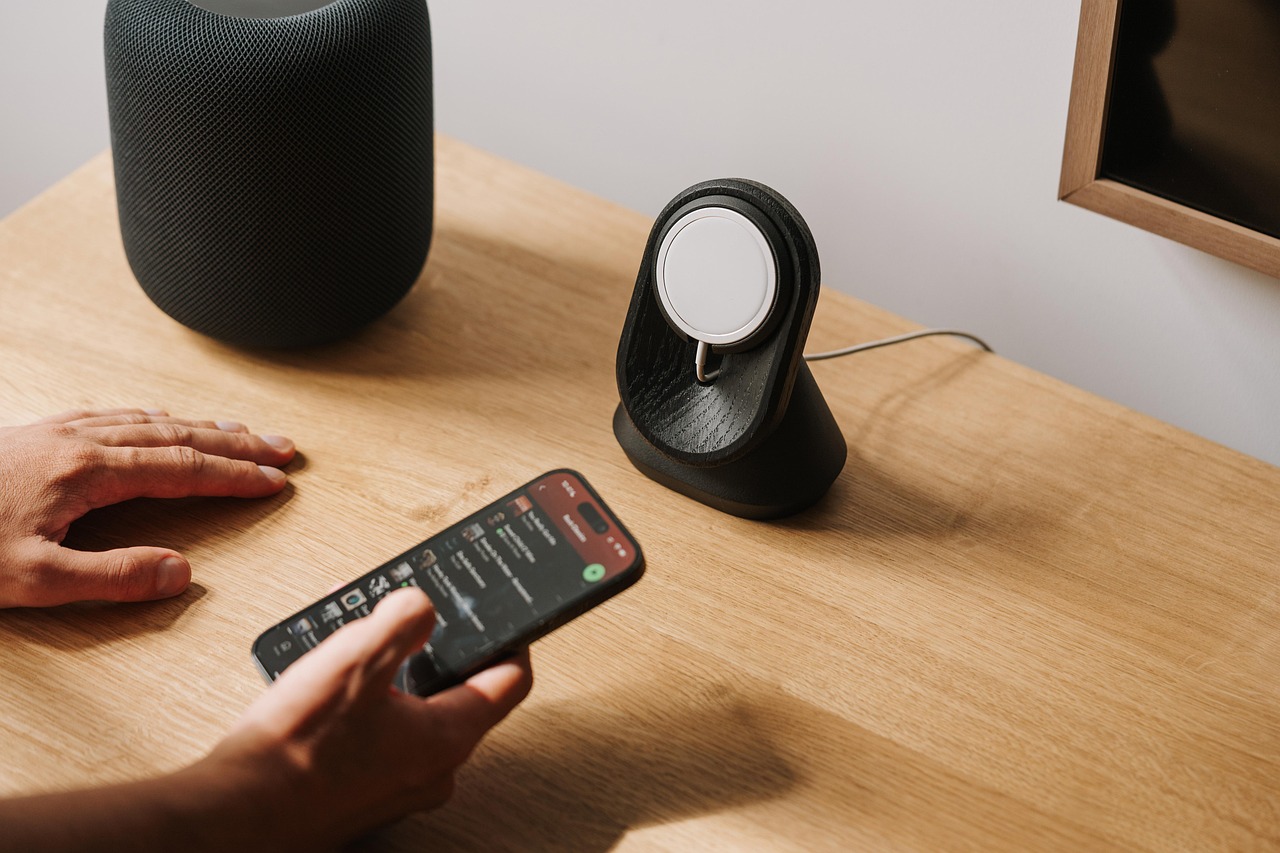
Understanding the factors that contribute to phone speaker problems is essential for maintaining optimal sound quality. Various elements can lead to degradation of sound clarity, including environmental factors and usage habits. One common issue includes the accumulation of dust. Over time, dust can penetrate the speaker grill and obstruct sound output, resulting in muffled audio. In addition to dust issues, physical factors such as moisture can severely affect speaker functionality, especially if water in speaker components occurs. Recognizing these causes allows users to take preventative measures or act quickly when problems arise.
| Issue | Symptoms | Recommended Action |
|---|---|---|
| Dust Accumulation | Muffled sound, lower volume | Use a soft brush or compressed air to clean |
| Water Damage | Distorted sound, static noise | Dry out with a silica gel packet |
| Debris Blockage | Intermittent sound, crackling | Inspect and remove visible debris |
Identifying issues early can greatly affect the longevity of your device’s audio components. Proper care routines can mitigate most potential problems. For instance, avoiding wet environments and keeping your device in protective cases can help protect against both water and dust issues. However, if you find yourself facing signs of speaker malfunction, a methodical diagnostic process should be undertaken.
Step-By-Step Diagnostic Process
- Listen for audio quality problems while playing music or videos.
- Inspect the speaker grill for visible dust or debris.
- Test sound quality using headphones to determine if the issue is with the speaker.
- Check for moisture inside the device, especially after exposure to water.
- Consult troubleshooting guides or support articles specific to your device model.
- Consider performing cleaning procedures if applicable.
- If problems persist, seek professional repair services.
Common Causes
As mentioned earlier, dust and water are significant causes of phone speaker problems. Dust settles on the speaker mesh, intermittently affecting sound quality and causing potential long-term damage if not addressed. Similarly, exposure to water can lead to corrosion of the internal components, drastically compromising audio performance. Regular inspection and prompt action can prevent these issues from escalating, ensuring your device remains in optimal condition.
Impact of Water in Speaker
Water in speaker components can lead to severe audio degradation. Moisture can cause electrical short-circuits, resulting in distorted or non-functional sound output. More alarmingly, if not dried properly, water can corrode or damage internal circuitry irreparably. Keeping your device dry and using protective cases can minimize the chances of water infiltration. Proper maintenance is crucial to preserving the quality and reliability of your phone speaker.
Practical Cleaning Tips To Resolve Your Phone Speaker Problems
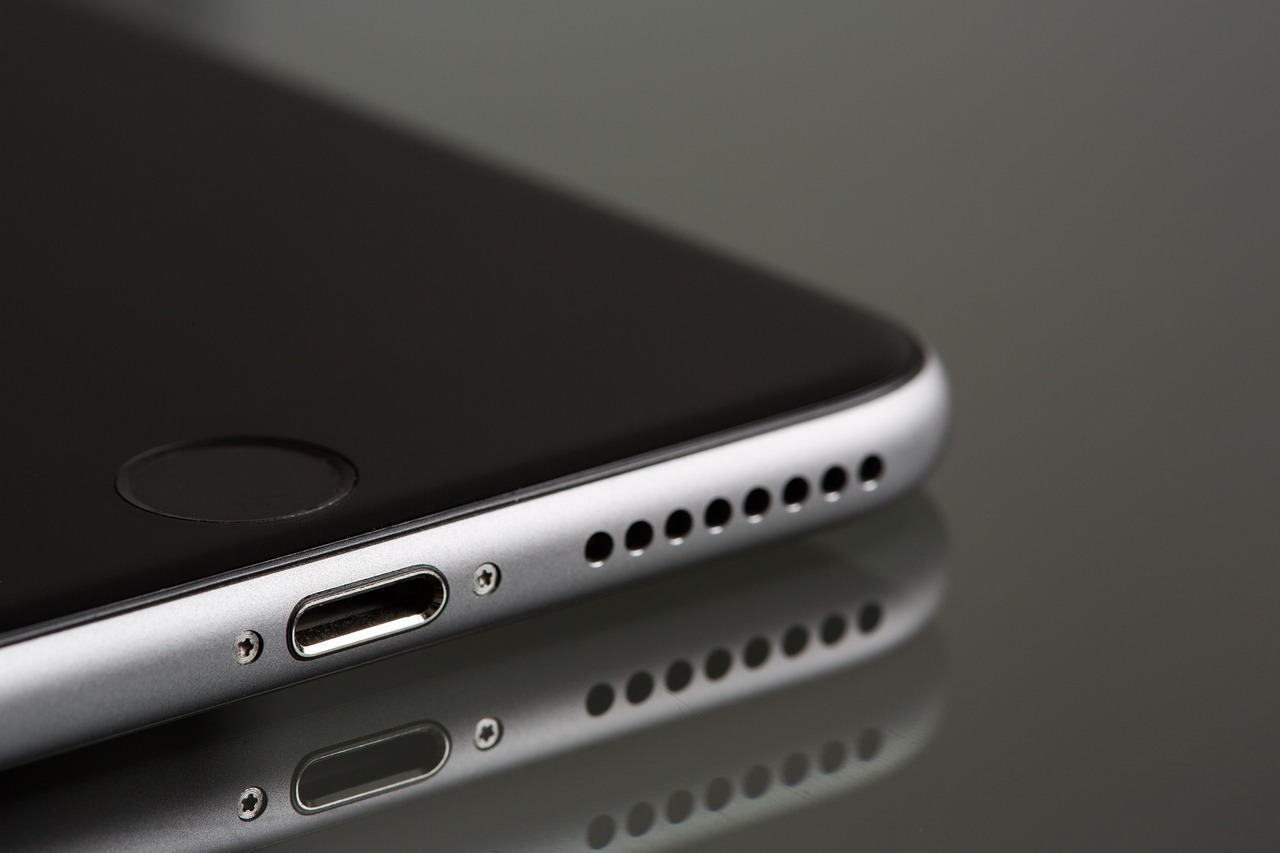
Cleaning your phone speaker is crucial for maintaining optimal sound quality. Over time, dust, lint, and other debris can accumulate, leading to phone speaker problems such as muffled sound or crackling noises. Regular maintenance not only enhances the audio experience but also prolongs the lifespan of your device. Understanding the importance of hygiene in electronic devices can help you take proactive measures against speaker issues.
Recommended Cleaning Methods
- Use a soft-bristled brush to gently dislodge dust particles.
- Employ compressed air to blow out debris without damaging internal components.
- Wipe the speaker grill with a microfiber cloth for a thorough clean.
- Utilize a cleaning solution on a cotton swab for stubborn dirt.
- Cover the phone with a protective case to minimize future dirt accumulation.
- Regularly check and clean the phone speaker every few months.
Implementing these cleaning methods can significantly improve your phone’s sound quality. Always ensure you turn off your device before cleaning to avoid unintentional damage. Additionally, be cautious when using any liquids, as excess moisture can lead to further issues rather than resolving them. Remember, it’s essential to address phone speaker problems promptly to avoid costly repairs in the future.
Once you’ve cleaned the speaker, perform a sound test to ensure that the issue has been resolved. If problems persist, consider further troubleshooting or seeking professional assistance. Maintaining your device’s hygiene not only resolves current issues but also prevents future concerns, ensuring your phone’s speaker operates flawlessly for a longer period. Taking these simple yet effective steps can lead to a better overall user experience.
Actionable Steps To Prevent Phone Speaker Problems
Maintaining your phone’s speaker health is essential for ensuring a clear and uninterrupted audio experience. Regular preventive measures can save you from dealing with phone speaker problems down the line. The buildup of dust, lint, or moisture can compromise sound quality, so implementing simple habits can help prolong the lifespan of your device’s speaker. By following these actionable steps, you can effectively minimize the risk of future speaker issues and enjoy optimal sound performance.
Preventive Measures
- Keep your phone in a protective case to prevent dust intrusion.
- Avoid using your phone in dusty or humid environments.
- Regularly wipe the speaker area with a microfiber cloth to remove debris.
- Use compressed air to blow out dust from the speaker grilles.
- Limit exposure to liquids and use a waterproof pouch if necessary.
- Periodically check and clean the charging port as it can affect speaker performance.
By integrating these practices into your routine, you can significantly reduce the likelihood of experiencing phone speaker problems. Remember, a little bit of care can go a long way in maintaining the quality of your device. Prevention is always better than cure, especially when it comes to technology. Embrace these preventive measures to enjoy seamless audio experiences on your phone for years to come.
Frequently Asked Questions
What are some common signs that my phone speaker is having problems?
Common signs of phone speaker problems include distorted sound, muffled audio, reduced volume, and crackling noises during calls or audio playback.
How can I tell if my phone speaker needs cleaning?
If you notice a decrease in sound quality or clarity, especially if the volume seems low despite being turned up, it may indicate your phone speaker needs cleaning.
What causes phone speaker problems related to cleaning?
Phone speaker problems can often be caused by the accumulation of dust, lint, or debris that clogs the speaker grills, affecting sound quality.
Are there any effective cleaning techniques for my phone speaker?
Yes, effective cleaning techniques include using a soft brush, compressed air, or a microfiber cloth to gently remove dust and debris from the speaker openings.
Can I use water or liquid cleaners to clean my phone speaker?
No, it is not advisable to use water or liquid cleaners on your phone speaker, as moisture can damage the internal components of the device.
What should I do if cleaning doesn’t resolve the speaker issue?
If cleaning doesn’t resolve the issue, you may need to seek professional repair services to diagnose possible hardware faults.
How can I prevent my phone speaker from getting dirty in the future?
To prevent future speaker problems, consider using a phone case with speaker protection, regularly cleaning your phone, and avoiding dusty or dirty environments.
Should I clean my phone speaker regularly?
Yes, it is a good practice to check and clean your phone speaker regularly to maintain its sound quality and prevent buildup that could lead to problems.
Is it safe to use compressed air for cleaning phone speakers?
Yes, using canned air or compressed air is safe as long as you keep it at a distance to avoid forcing debris further into the speaker.
What else might affect my phone speaker apart from dirt and debris?
Other factors may include software issues, physical damage to the speaker components, or water exposure, which can all affect sound output.