
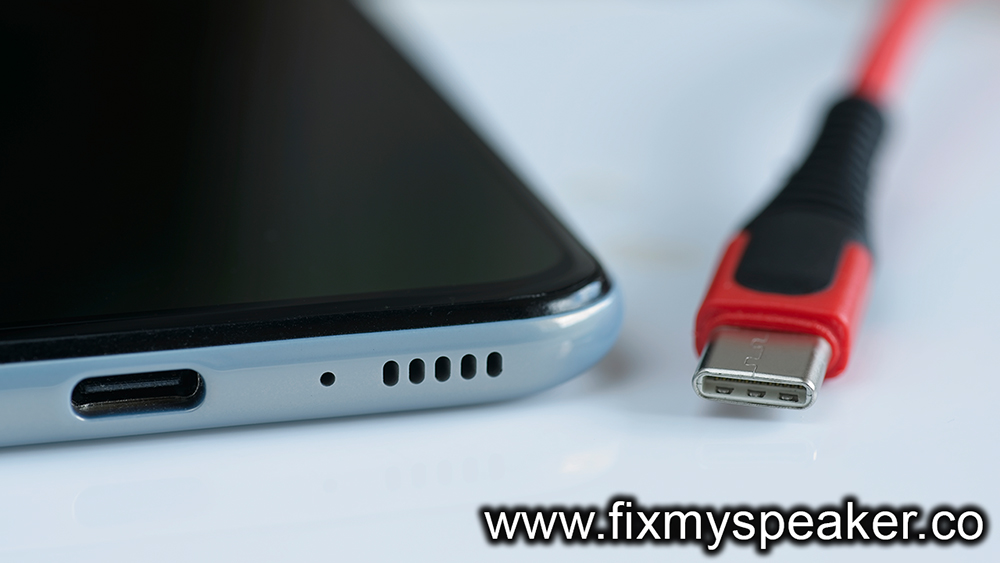
Keeping your phone’s charging port clean is essential for optimal performance and longevity. This guide provides safe methods to clean charging ports without damaging your device. It outlines key steps for effective dust removal, emphasizing the importance of using soft tools and avoiding liquids. Common mistakes, such as using sharp objects and excessive force, are highlighted to help users protect their ports during cleaning. Additionally, the article offers final tips for maintaining your charging port health, ensuring that users can enjoy a reliable charging experience. By following these guidelines, you can keep your charging port clean and functional, enhancing your overall device use.
How to Ensure Safe Cleaning of Your Phone’s Charging Port
Cleaning your phone’s charging port is essential for maintaining its functionality and longevity. However, improper cleaning techniques can lead to damaging sensitive components inside your device. To guarantee safe cleaning, it’s crucial to use the right tools and methods while being cautious not to push debris further into the port. Regularly addressing dust buildup and foreign particles can prevent connectivity issues and ensure your phone charges efficiently.
Key Considerations for Safe Cleaning
- Always power off your device before cleaning.
- Use a soft, anti-static brush for gentle dust removal.
- Avoid using metal objects that can scratch or damage the port.
- Consider using compressed air in short bursts for effective dust removal.
- Maintain a steady hand and avoid excessive force during cleaning.
- Check for any signs of moisture in the port before starting the cleaning process.
- Regularly inspect your charging port to mitigate dust accumulation.
By adhering to these guidelines for safe cleaning, you can effectively maintain your charging port’s hygiene without risking damage to your device. Remember, consistent maintenance will not only improve your phone’s charging performance but also enhance its overall durability. Taking the time to implement these safe cleaning practices can lead to significant long-term benefits and ensure your phone remains in optimal condition.
Steps for Effective Dust Removal from Charging Ports
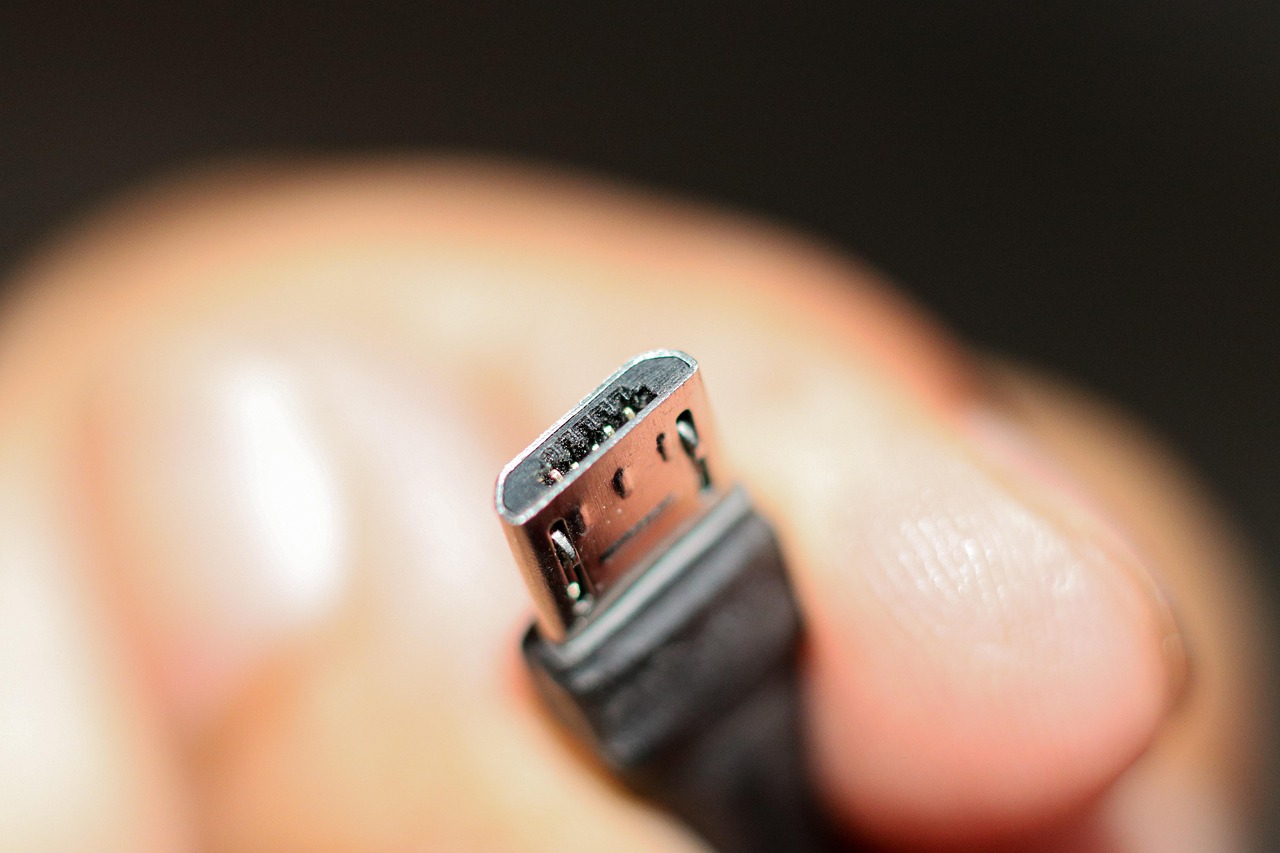
When it comes to maintaining your device, knowing how to clean charging port effectively is crucial. Build-up of dust and debris in the charging port can lead to poor connectivity and charging issues. Therefore, taking the right steps can prevent such problems and ensure longer device lifespan. Here, we will discuss the necessary steps and important practices to safely remove dust from your charging port without damaging your phone.
A suitable cleaning method involves using the right tools and techniques to avoid harm to your device. Proper USB-C care ensures that you won’t only maintain the functionality of your device, but also avoid future repair costs. It’s essential to proceed with caution and follow designated practices while cleaning your charging port. After all, a simple mistake could lead to bigger issues.
| Cleaning Tool | Description | Usage Tips |
|---|---|---|
| Compressed Air Can | A canister that releases air to blow away dirt. | Hold upright and spray in short bursts. |
| Soft Brush | A brush with soft bristles to gently dislodge debris. | Use lightly to avoid scratching. |
| Cotton Swabs | Ideal for reaching into small spaces. | Use with caution to prevent lint leaving inside. |
Now that we’ve covered the tools necessary for cleaning, it’s time to discuss the steps you should take to effectively clean charging port. Following a careful process can prevent any potential damage to your device while ensuring thorough cleaning.
Steps to Clean Your Charging Port
- Power off your device to prevent any electrical issues.
- Use compressed air to gently blow out dust from the port.
- With a soft brush, lightly brush the interior to remove clingy particles.
- Take a cotton swab and gently insert it into the port to catch any remaining debris.
- Inspect the port for any residue and ensure it’s free from dirt.
- Power on your device and test the charging functionality.
Best Practices
To maintain the functionality of your charging port, it’s critical to adopt regular cleaning habits. Consider performing dust removal every few weeks, especially if you frequently use your device in dusty environments. Additionally, always ensure that you are using the right tools specifically designed for electronics. Avoid inserting sharp objects, as they could harm the internal components of your device.
Common Mistakes to Avoid When Cleaning Your Charging Port
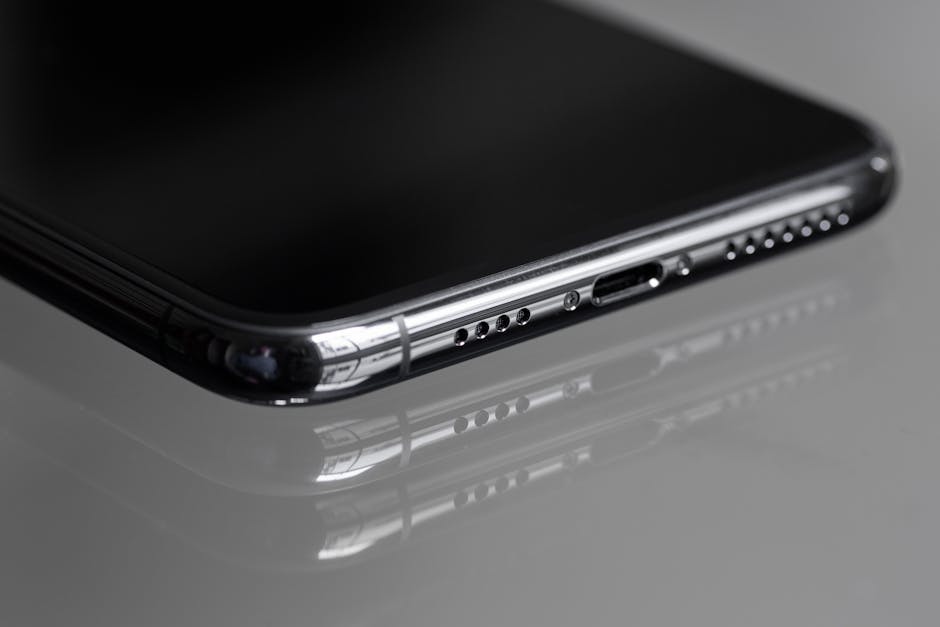
When it comes to keeping your devices functioning properly, maintaining a clean charging port is essential. However, many people make mistakes during this process, which can lead to further issues. One of the most common mistakes is using unsuitable cleaning tools. Using metal objects, such as paper clips or pins, can scratch the internal components of the port and cause irreversible damage. Instead, it is crucial to opt for safer alternatives that are specifically designed for electronics.
Mistakes to Watch For
- Forgetting to power off the device before cleaning.
- Using excessive force when removing debris.
- Neglecting to check for loose components after cleaning.
- Relying solely on liquid cleaners which can cause short circuits.
- Not cleaning with the right materials, such as microfiber cloths.
- Ignoring the warning signs, such as slow charging or connection issues.
- Cleaning the port in a dusty environment which can introduce more debris.
Another critical misstep is neglecting to allow ample time for the port to dry after cleaning. If moisture lingers in the charging port, it can lead to short circuits and potentially damage your device. Therefore, always ensure that the port is completely dry before reconnecting your charger. The risks associated with improper cleaning not only affect the charging functionality but can also lead to costly repairs.
Ultimately, being aware of these common mistakes will help you maintain the health of your device’s charging port. Taking the time to educate yourself on the proper cleaning techniques can prolong your phone’s lifespan. Remember, a clean charging port contributes to efficient charging and overall better device performance. The key is to be patient and careful to avoid the pitfalls that can lead to more significant problems down the road.
Final Tips for Maintaining Your Charging Port Health
To ensure the longevity and proper functionality of your device, maintaining a clean charging port is crucial. Regular upkeep will not only prevent dirt and lint accumulation but also reduce the risk of damaged internal components. Always remember that while cleaning, it’s important to proceed with caution to avoid causing any harm to your device. By establishing a routine for cleaning and inspections, you can keep your charging port in optimal condition and ensure that your device runs smoothly for years to come.
Actionable Tips for Keeping Your Port Clean
- Use a soft-bristle brush to gently remove dust and debris.
- Inspect the port regularly to identify any buildup before it becomes problematic.
- Limit exposure to elements that can introduce dirt, such as placing your phone on dirty surfaces.
- Consider using a port cover to keep dust out when the phone is not in use.
- Avoid using liquid cleaners inside the port; they can damage internal components.
- Use compressed air carefully to dislodge stubborn debris without causing damage.
- Schedule professional cleaning if you notice persistent issues or if dust accumulation seems extreme.
Following these tips will enhance not only the health of your charging port but also your overall device experience. Additionally, adopting proactive habits such as keeping your phone in a clean environment and avoiding harsh cleaning methods will contribute significantly to preventing charging issues down the line. By prioritizing these actions, you’re investing in the longevity and efficiency of your device.
Frequently Asked Questions
What tools do I need to clean my phone’s charging port?
You can use a soft-bristled toothbrush or a microfiber cloth, a can of compressed air, and possibly a toothpick or sim card ejector tool. Just ensure all tools are gentle to avoid damage.
Is it safe to use a toothpick to clean the charging port?
Yes, a toothpick can be used, but you must be very gentle to prevent damaging the internal components. Ensure you do not apply too much pressure.
How often should I clean my phone’s charging port?
It’s typically a good practice to clean your charging port every few months, or more frequently if you notice issues with charging or if you often use your phone in dusty environments.
Can I use water or liquid cleaners on my charging port?
No, you should avoid using water or any liquid cleaners, as moisture can cause damage to the internal components of the phone.
What are the signs that my charging port needs cleaning?
Signs include difficulty charging, intermittent charging, or visible dust and lint in the port. If your charger doesn’t fit snugly, it may also be a sign that cleaning is needed.
Are there any risks involved in cleaning the charging port myself?
The main risks involve damaging the internal components or pushing debris further into the port. It’s essential to be cautious and use appropriate tools and techniques.
What should I do if my charging port is still not working after cleaning?
If your charging port still doesn’t work after cleaning, it might be best to consult a professional technician or contact customer support for further troubleshooting.
Can I use my phone while cleaning the charging port?
It’s best to turn off your phone and disconnect it from any power source while cleaning the charging port to avoid any electrical issues.
What common misconceptions exist about cleaning phone charging ports?
Many believe that using harsh cleaning substances, like rubbing alcohol, is safe—however, these can damage the port. Others might think that anything can be used to remove debris, but only soft, non-abrasive tools should be used.
How can I better maintain my charging port in the long run?
To maintain your charging port, regularly clean it, use a protective case that covers the port when not in use, and avoid plugging in your charger when it’s exposed to dust or dirt.