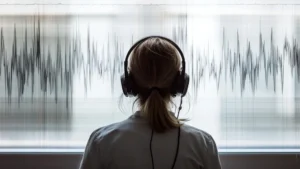
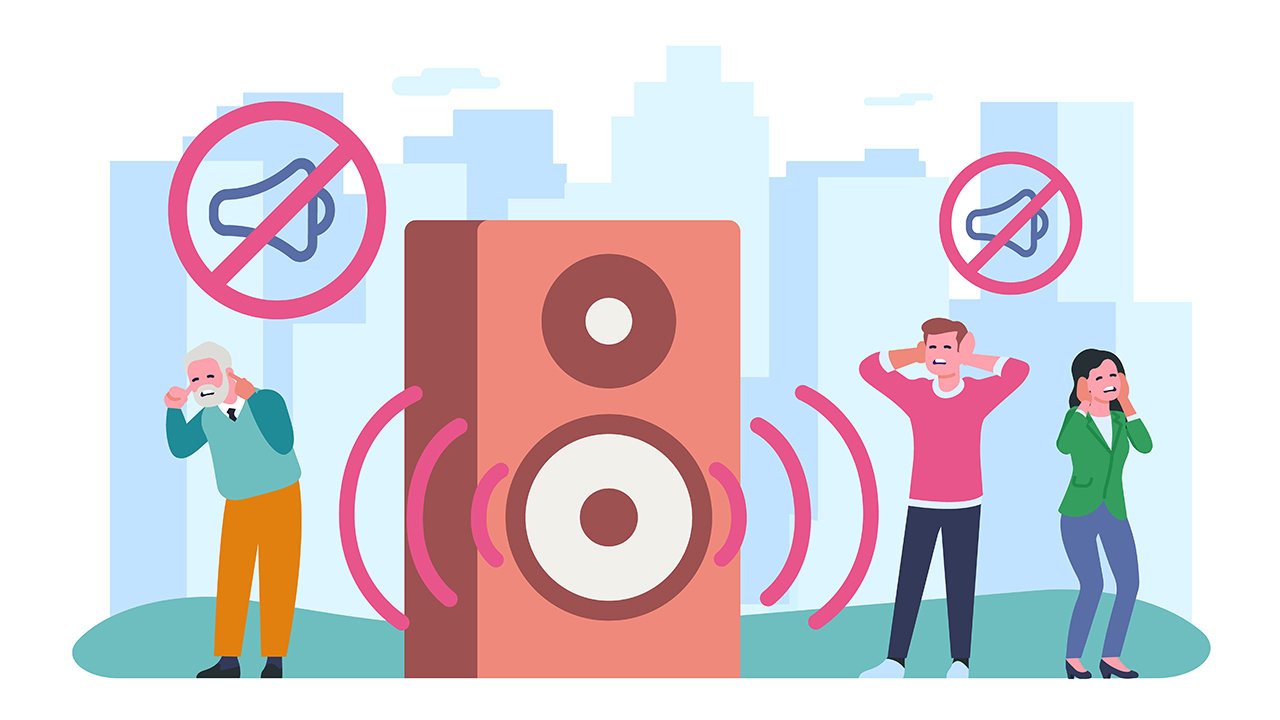
In the blog post 10 Everyday Habits That Slowly Harm Your Phone Speakers, readers learn about the impact of common bad habits on phone sound quality. The article discusses how user mistakes can lead to sound distortion, emphasizing the importance of proper care practices to maintain optimal audio performance. It identifies specific actions that may inadvertently damage phone speakers, offering actionable steps to avoid these pitfalls. Key takeaways highlight the significance of safeguarding your device to ensure a clear sound experience. By understanding how these bad habits affect phone sound, users can implement effective measures to protect their speakers and enhance their overall listening experience.
Understanding How Bad Habits Affect Your Phone Sound Quality
Everyday habits can significantly impact your phone’s sound quality, often without you realizing it. Many users engage in practices that slowly degrade their phone speakers, leading to frustrating audio experiences. Understanding these bad habits is essential for ensuring your phone performs optimally while delivering high-quality sound.
Common Habits That Harm Sound Quality
- Neglecting to clean the speaker grills.
- Exposing your phone to moisture or dust.
- Using non-certified accessories or chargers.
- Overloading the speaker with excessive volume levels.
- Keeping your phone in pockets filled with lint or debris.
- Failing to update software regularly.
- Allowing apps to run that automatically adjust audio settings.
When users fail to acknowledge these user mistakes, they inadvertently compromise their device’s audio capabilities. For instance, not cleaning your speaker grills regularly can lead to a buildup of dust and grime, which obstructs sound clarity. Likewise, exposing your phone to humidity can damage sensitive internal components responsible for sound production, resulting in muffled audio.
Incorporating proper phone care practices can improve your audio experience and extend the lifespan of your device.
Adopting better habits not only helps in preserving sound quality but ensures your phone performs at its best. Simple actions like cleaning your device and avoiding excessive volume can make a significant difference. By understanding how bad habits affect your phone’s sound quality, you can take proactive steps towards maintaining your device effectively.
Identifying User Mistakes Leading To Sound Distortion
Understanding the various user mistakes that contribute to sound distortion is essential for maintaining optimal phone performance. Many users unknowingly engage in habits that can severely affect the quality of audio output, leading to annoying sound issues. Recognizing these bad habits is the first step toward better phone care and enhancing your listening experience.
It is not uncommon for users to overlook simple practices that can preserve the sound quality of their phones. For instance, keeping phone speakers dirty or covered can obstruct audio output, resulting in muffled sound. Similarly, playing audio at high volumes for prolonged periods can cause internal components to wear out faster, leading to sound distortion. Being aware of these pitfalls allows users to make informed adjustments to their daily habits.
| Mistake | Effect on Sound | Prevention Tips |
|---|---|---|
| Playing Audio at Maximum Volume | Causes speaker strain and potential damage | Maintain volume levels between 50% to 75% |
| Neglecting Speaker Cleaning | Leads to blockage and muffled sound | Regularly clean speakers with a suitable cloth |
| Using Non-Compatible Accessories | Results in distortion and dropouts | Use manufacturer-approved accessories only |
| Ignoring Software Updates | May affect overall sound performance | Update software regularly to enhance functionality |
To further aid in addressing sound distortion, it is important to diagnose the specific issues that may be present. By taking proactive measures to evaluate the condition of your phone audio, you can mitigate potential harm. Following a systematic approach will ensure that sound quality is restored effectively.
Steps To Diagnose Sound Issues
- Check if the volume settings are set appropriately.
- Inspect for physical obstructions on the speakers.
- Test audio with different applications to identify inconsistencies.
- Examine the audio settings for enhancements or equalizers that may distort sound.
- Unplug any connected accessories and test the sound.
- Look for any recent updates or software changes that may impact playback.
- Restart your device to refresh its performance.
Common Causes of Sound Distortion
Various factors contribute to sound distortion, often stemming from user behavior and environmental conditions. A common cause includes excessive exposure to dust and moisture, which can compromise speaker integrity. Additionally, using your phone at high volumes frequently can lead to speaker fatigue, resulting in reduced clarity and increased distortion.
Effects of Overlapping Frequencies
Overlapping frequencies can occur when multiple sound sources interfere with each other, resulting in compromised audio quality. For instance, using headphones while other audio sources are active can create a confusing audio landscape, leading to distortion. Understanding these effects can guide users toward better listening practices and promote overall sound quality.
Key Takeaways For Effective Phone Care Practices
Maintaining the quality of your phone’s sound is crucial, yet common user mistakes can lead to deterioration over time. Adopting effective phone care practices not only helps preserve sound quality but also extends the lifespan of your device. It’s important to recognize how certain habits, often overlooked, can contribute to diminished performance. Understanding these bad habits related to phone sound can assist users in avoiding unnecessary damage and ensuring the auditory experience remains optimal.
Top Tips To Protect Your Phone’s Sound
- Regularly clean your speakers and ports to remove dust and debris.
- Avoid placing your phone on soft surfaces that can muffle sound.
- Use a protective case that does not obstruct speaker openings.
- Be cautious with high volume levels to prevent speaker damage.
- Keep audio settings adjusted for optimal performance.
- Limit exposure to moisture and extreme temperatures.
By implementing these strategies, users can significantly reduce the risk of sound quality deterioration. Strongly adhering to proper phone care can transform your listening experience, ensuring clarity in sound while minimizing user mistakes that can inadvertently harm your device. Remember, consistent care not only maximizes sound performance but also enhances overall user satisfaction with the phone.
Actionable Steps To Avoid Mistakes Impacting Sound Quality
To maintain the quality of your phone’s sound, it’s vital to recognize that certain daily habits can lead to bad habits phone sound affecting your audio experience. Understanding these behaviors encourages users to make simple adjustments that significantly enhance their phone’s speaker performance. Let’s explore proactive steps you can take to preserve your phone’s sound integrity.
Steps To Maintain Quality Sound
- Regularly clean the speaker grills to prevent dust buildup.
- Limit exposure to moisture, as it can damage internal components.
- Use appropriate volume levels to avoid sound distortion.
- Avoid placing your phone on soft surfaces that could muffle sound.
- Keep your software updated to ensure optimal audio performance.
- Use quality headphones for improved listening without stress on the speakers.
- Store your phone in a case that allows sound to travel freely.
Integrating these practices into your routine can profoundly reduce the risks associated with bad habits phone sound. By prioritizing the care and maintenance of your device, you enhance not only the longevity of the hardware but also the quality of your listening experience. Remember, little actions can lead to significant improvements in sound fidelity.
Take charge of your audio experience today; the future clarity of your phone’s sound will thank you.
Being aware of how daily habits impact your device can empower you to make better choices. Recognizing the factors that lead to sound distortion is crucial in navigating the best practices for your phone’s speakers. In doing so, you will ensure your device remains a reliable source of high-quality audio.
Frequently Asked Questions
What are some common habits that can harm phone speakers?
Common habits include placing the phone on soft surfaces, exposing it to moisture, and failing to clean speaker grilles, all of which can affect sound quality.
How can dust and debris affect phone sound quality?
Dust and debris can obstruct the speaker grille, leading to muffled sound and reduced audio clarity.
Is it harmful to play audio at maximum volume for extended periods?
Yes, playing audio at maximum volume can lead to distortion and may damage the speaker over time due to excessive strain.
Can using a phone case impact the sound output?
Certain phone cases can block sound waves or alter the direction of sound, which may result in diminished audio quality.
What role does moisture play in speaker performance?
Moisture can damage the internal components of phone speakers, causing rust or corrosion and ultimately affecting sound quality.
Why should I avoid placing my phone in my pocket while playing music?
Placing your phone in your pocket can muffle the sound and clog the speakers with lint or other debris.
Are there any specific cleaning methods recommended for phone speakers?
Gently brushing the speaker grilles with a soft, dry toothbrush or using compressed air can help remove dust without damaging the speakers.
What are the signs that my phone speakers are deteriorating?
Signs include distorted sound, decreased volume, and unresponsive speakers, which may indicate hardware issues.
How can I ensure my phone speakers last longer?
To prolong the lifespan of your phone speakers, avoid high volumes, keep the device clean, and protect it from moisture and extreme temperatures.
Are there any apps that can help enhance my phone’s sound quality?
Yes, various audio-enhancing apps can optimize sound output, but ensure they are compatible with your device and settings.